 how-to
How to Handle a Prepaid Phone Refill for Family Members
Last Updated: November 1, 2026
Quick Summary
To complete a prepaid phone refill for family members, confirm the recipient's carrier, exact mobile number with area code, and account type before you pay, then buy the refill online and have them verify the balance and expiration date. A prepaid phone refill will not apply to a postpaid account or a different carrier's network.
- Confirm the carrier from the phone's settings or SIM tray, not the phone's brand.
- Gather the number with area code, carrier, account type, PIN, and ZIP code before paying.
- Activation is instant on all products, so keep the confirmation email until the refill shows.
- If nothing changes within a few minutes, do not buy a second refill; check the number and contact support.
- Set recurring top-ups a few days before the plan expiration date, not on it.
Table of Contents
- Why a Prepaid Phone Refill for Family Members Makes Sense
- Prepaid Phone Refill for Someone Else: Step-by-Step
- Prepaid Refill Card Activation: PINs, e-PINs, and Instant Delivery
- Choosing the Right Prepaid Phone Refill Amount
- Prepaid Phone Top-Up Online: Recurring Family Top-Ups and Permissions
- Avoiding Wrong-Number, Wrong-Carrier, and Scam Losses
- Frequently Asked Questions
Why a Prepaid Phone Refill for Family Members Makes Sense
A prepaid phone refill for family members means adding airtime or plan credit to a relative's prepaid account so their service keeps running without a contract or surprise bill.
The answer is easier than most people expect: you need the right account details and a reliable place to buy the refill, not the phone in your hand.
This matters because prepaid service stops the moment the balance runs out, no grace period, no bill arriving later.
Prepaid Phone Refill for Someone Else: Step-by-Step
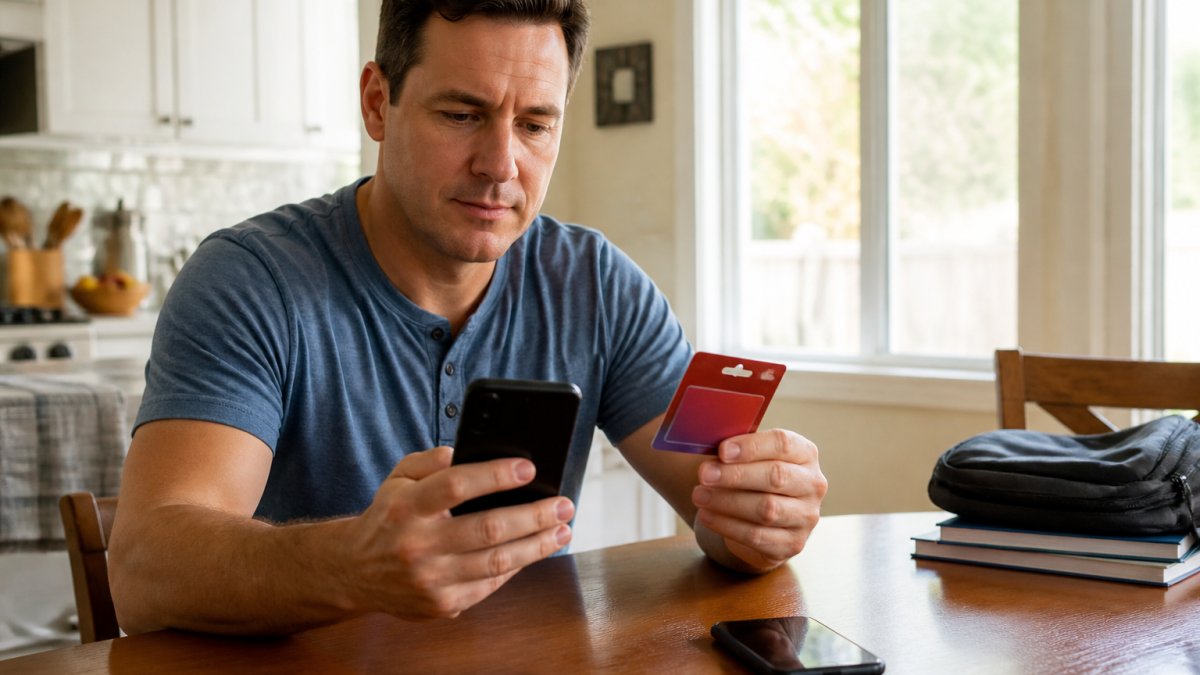
A prepaid phone refill for someone else can be completed in a few steps. The step that determines success is confirming whose account you are about to fund.
Step 1: Identify the Recipient's Carrier and Account Type
Before you buy anything, confirm the carrier and whether the line is prepaid or postpaid. A refill code is tied to one carrier's network, and a prepaid refill will not apply to a postpaid account.
Next, confirm the account type. Prepaid accounts fall into two buckets: monthly plans (a set allowance that renews on a date) and pay-as-you-go airtime (a balance that draws down per minute, text, or megabyte).
Step 2: Gather the Exact Information Needed to Refill Someone Else's Account
Use this checklist before you pay. Missing any one of these is the most common reason a family refill fails:
- Mobile number, including area code, typed exactly as it appears on the recipient's account, not as saved in your contacts.
- Carrier name, such as Tracfone or Page Plus, because the refill is network-specific.
- Account type (monthly plan vs. pay-as-you-go airtime) and the current plan name or refill denomination they normally buy.
Step 3: Complete the Refill Without Their Phone
Follow these steps in order:
- Confirm the carrier, exact mobile number, and account type with your family member.
- Choose the refill amount or plan that matches their usual service, not the largest plan on offer.
- Buy online. Activation is instant on all products.
- If you receive a PIN, keep the confirmation email open until the refill is confirmed on the recipient's phone.
- Enter the PIN on their phone yourself if you are with them, or read it to them slowly.
- Wait for the confirmation message, then have them check the balance and expiration date.
- Save the order confirmation and PIN email in case you need to troubleshoot.
Step 4: Verify the Top-Up Landed
A refill is not complete until the recipient confirms it. Ask them to check the balance, the plan expiration date, and whether the phone can place a call and use data. If the balance updated but the expiration date did not move, the refill may have applied to airtime rather than the plan, a sign the wrong product was purchased. Ensuring that these devices remain functional is a critical component of a reliable emergency communication plan that keeps everyone connected during unexpected outages.
Here are the steps to refill a family member's prepaid phone without touching their device.
| Step | What to do | Key detail |
|---|---|---|
| 1 | Identify carrier and account type | Prepaid refill will not apply to postpaid |
| 2 | Gather exact information | Number with area code, carrier, account type, PIN, ZIP |
| 3 | Complete the refill without their phone | Buy online; activation is instant on all products |
| 4 | Verify the top-up landed | Check balance, expiration date, calls and data |
Prepaid Refill Card Activation: PINs, e-PINs, and Instant Delivery
A prepaid refill card activation is the step where the card's value is applied to a specific phone number. A PIN is the numeric code printed on a physical refill card.
Instant activation is the feature to look for. For a deeper practical guide to buying prepaid refill cards, see Prepaid Refill Cards: A Practical Buying Guide. Check your spam folder before buying a second refill.
Choosing the Right Prepaid Phone Refill Amount
The right prepaid phone refill amount covers your family member's actual usage until the next natural top-up date. Most people guess, and guessing leads to either a dead phone or wasted credit.
Check the account balance and plan expiration date together. A large balance on a plan that expires next week is not protection, the expiration date is what stops service.
Matching the Refill to the Plan and Usage
- Light user, emergency phone only: a small airtime refill that keeps the line active is enough
- Teenager with data: match the data allowance to their monthly habit, not to the biggest plan on offer
- Older relative who calls often: a 30-day plan with unlimited talk removes the risk of running dry mid-month
One habit worth building: set a calendar reminder a few days before the plan expiration date. A five-minute top-up beats an urgent call from a relative whose phone has already stopped working.
Prepaid Phone Top-Up Online: Recurring Family Top-Ups and Permissions
A prepaid phone top-up online is the most practical option for families who live apart, because it removes the need to visit a retail location or hand over a physical card. You buy from a phone or laptop, and the credit lands on the recipient's account. For families managing more than one line, the real value is in setting up a repeatable process rather than buying one-off refills.
Setting Up Recurring Family Top-Ups
Recurring top-ups can reduce hassle for families who refill regularly. Before you set one up, answer four questions:
- Whose payment method is on file? Keep it yours if you are paying, and use a card you can replace if it expires.
- Who gets the confirmation? Use your email, not your relative's, so you see the receipt and can act if a payment fails.
- What happens if the plan changes? Review the recurring order whenever the carrier changes its lineup, because a discontinued plan can cause a recurring order to fail silently.
A common pattern is to set the recurring top-up for the same day each month and keep a calendar reminder a week earlier to check that the last payment succeeded. Recurring orders fail most often because of an expired card, not because the carrier rejected the refill.
Account Permissions: Managing a Relative's Line Without Their Password
Ask your carrier whether an authorized-user option is available for the specific prepaid brand, since availability varies by carrier.
Managing Multiple Lines in One Household
For households with several lines, compare the per-line cost of available plans before you commit. Keep a simple list of each line's number, carrier, plan name, renewal date, and the email that receives confirmations, that list prevents the wrong-number and wrong-plan errors described below.
International Family Members and Cross-Border Refills
If you are topping up a relative's phone in another country, confirm four things before you buy: the country, the local carrier, the currency the refill is sold in, and whether the recipient's plan allows roaming. A refill bought for a U.S. carrier will not apply to a phone on a foreign network, and some cross-border top-up services sell credit in the recipient's local currency rather than yours. A refill can land successfully while the phone still cannot use data abroad because the plan excludes roaming. Ask the recipient to confirm the plan's roaming terms, and buy from a seller that states which countries and carriers it supports.
Avoiding Wrong-Number, Wrong-Carrier, and Scam Losses
Most refill losses come from three avoidable mistakes: a wrong number sends your money to a stranger, a wrong carrier means the code will not activate, and a scam site takes payment and never delivers the code.
- Read the number back. Ask your family member to text you their number rather than typing it from memory.
- Confirm the carrier on the phone itself. The network name appears in the phone's settings.
- Buy from a seller with a real, reachable support channel. A phone number and posted hours are a good sign.
That is the case for buying from a seller you can actually call. PrepaidOnline.Com is family owned and operated, with live reps at 1-800-486-1707 from 6 am to 5 pm Monday to Friday and 7 am to noon on weekends and holidays, Eastern time.
Frequently Asked Questions
How can I refill a family member's prepaid phone?
You can refill a family member's prepaid phone by purchasing a prepaid phone refill from PrepaidOnline.Com. You will need their phone number and carrier name. Activation is instant on all products.
Can I add prepaid phone credit to someone else's account?
Yes, you can add prepaid phone credit to another person's account. Check with the carrier about its options for third-party refills.
What information do I need to refill another person's phone?
To refill another person's phone, you need their mobile number and the carrier name. Having the carrier name correct is critical because a refill for one carrier will not work on another. Write down the phone number and carrier before you buy to avoid wrong-carrier mistakes.
How long does a prepaid phone refill take to activate?
Activation is instant on all PrepaidOnline.Com products. Double-check that you entered the correct phone number and carrier, and keep your order confirmation until the refill shows up.
Keeping a family member's phone alive should take two minutes, not an afternoon of guesswork. Get the carrier and number right, choose a refill that matches their real usage, and buy from a seller whose support line you can reach. PrepaidOnline.Com gives you instant activation, a wide catalog of prepaid refill cards for major carriers, and live reps who answer the phone. Get started with PrepaidOnline.Com and keep every family line connected without a contract or a surprise bill.